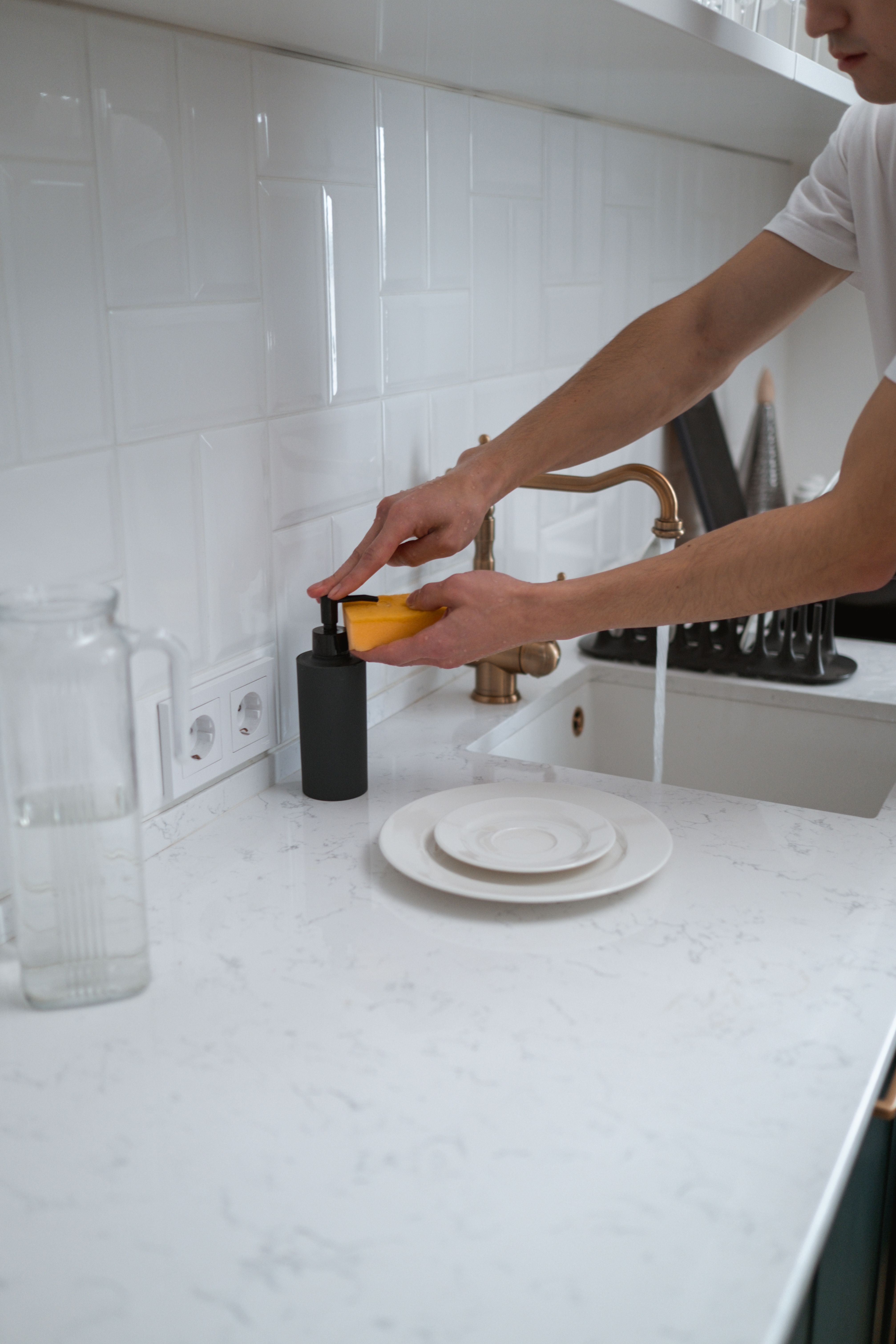
Most cleaning schedules fall apart for one reason: you have to keep feeding them. You write the list, you remember to redo it, and the first busy week wins. A cleaning schedule that runs itself flips that around. You set it up once, and it keeps going on its own. Here’s how to build one, and how the right app can do most of the work for you.
Start with rooms, not tasks
A blank cleaning schedule feels huge because you picture every job at once. Go room by room instead. List your real spaces (kitchen, bathroom, bedroom, living room) and the handful of jobs each one actually needs. The kitchen needs dishes and counters often. The bathroom needs a weekly wipe-down. Bedrooms mostly need sheets changed and a quick vacuum.
If you’re not sure how often each space needs attention, our guide on how often you should clean each room breaks it down.
Give every job a frequency
This is the part that turns a to-do list into a schedule. Once each job has a frequency, you stop deciding what to do today and start following a rhythm.
Daily: dishes, wiping the kitchen counter, a quick tidy.
Weekly: bathrooms, floors, sheets, trash and recycling.
Monthly: the fridge, the oven, baseboards, the stuff that hides.
Write the frequency next to each job, not just the job. “Clean the bathroom” is a chore. “Clean the bathroom, weekly” is a schedule.
Let it repeat on its own
A paper list can’t repeat. The day you finish a job it’s gone, and you have to write it down again. That’s where most routines quietly die.
The fix is to set jobs to recur, so the next one shows up automatically once the last is done. A calendar app can do a rough version with repeating events. A cleaning app does it properly: mark the bathroom done, and next week’s bathroom is already waiting. You never re-add anything.
Make it automatic with an app
If you want a schedule that truly maintains itself, this is where an app earns its place. With Plastnofy, you don’t type tasks at all. You snap a photo of a mess, Plastnofy creates the chore from it and shows you a more sustainable way to clean it, and when you hit schedule, it fills in the date, time, and how often to repeat for you. You can change any of it, but you start from a smart guess instead of a blank calendar.
From there it keeps itself current. Finish a recurring chore and the next one is created on the right future date. Your home screen even shows a simple read on how fresh each room is right now, so the schedule points you to what needs attention instead of leaving you to guess.
And when you go away, you can mark the days you’re gone so it goes quiet: no reminders, nothing turns overdue, and your chores just shift forward for when you’re back.
It works as a cleaning schedule app for the whole household, with shared lists and reminders when you clean together. And it’s free to start, so you can see if the photo-first approach fits before committing to anything.
Download Plastnofy free on the App Store and Google Play.
Keep it light so it lasts
A cleaning routine that runs itself only works if it’s realistic. Don’t pack every day. Leave room for the weeks when life gets in the way, and let the small daily habits carry you. If you want help making the routine stick through the busy stretches, we wrote a whole guide on building a cleaning schedule that actually sticks.
Set it up once, give every job a home and a frequency, and let it repeat. That’s the whole trick to a cleaning schedule that keeps itself going.